Connect a Microsoft Entra ID directory
Connect a Microsoft Entra ID directory to Workforce Authority through the admin console. Connecting Microsoft Entra ID allows you to manage user access to resources through your existing Microsoft Entra ID directory.
Prerequisites
Before you begin, complete the configuration steps in the Microsoft Entra ID configuration guide.
You will need these values:
-
Directory Tenant ID – Your Microsoft Entra (Azure AD) tenant ID
-
Client ID – The application (client) ID from your Microsoft Entra ID app registration.
-
Client Secret – The client secret associated with your Microsoft Entra ID application.
-
Azure Tenant Domain – Your verified domain, such as
company.onmicrosoft.com.
Add a Microsoft Entra ID directory
-
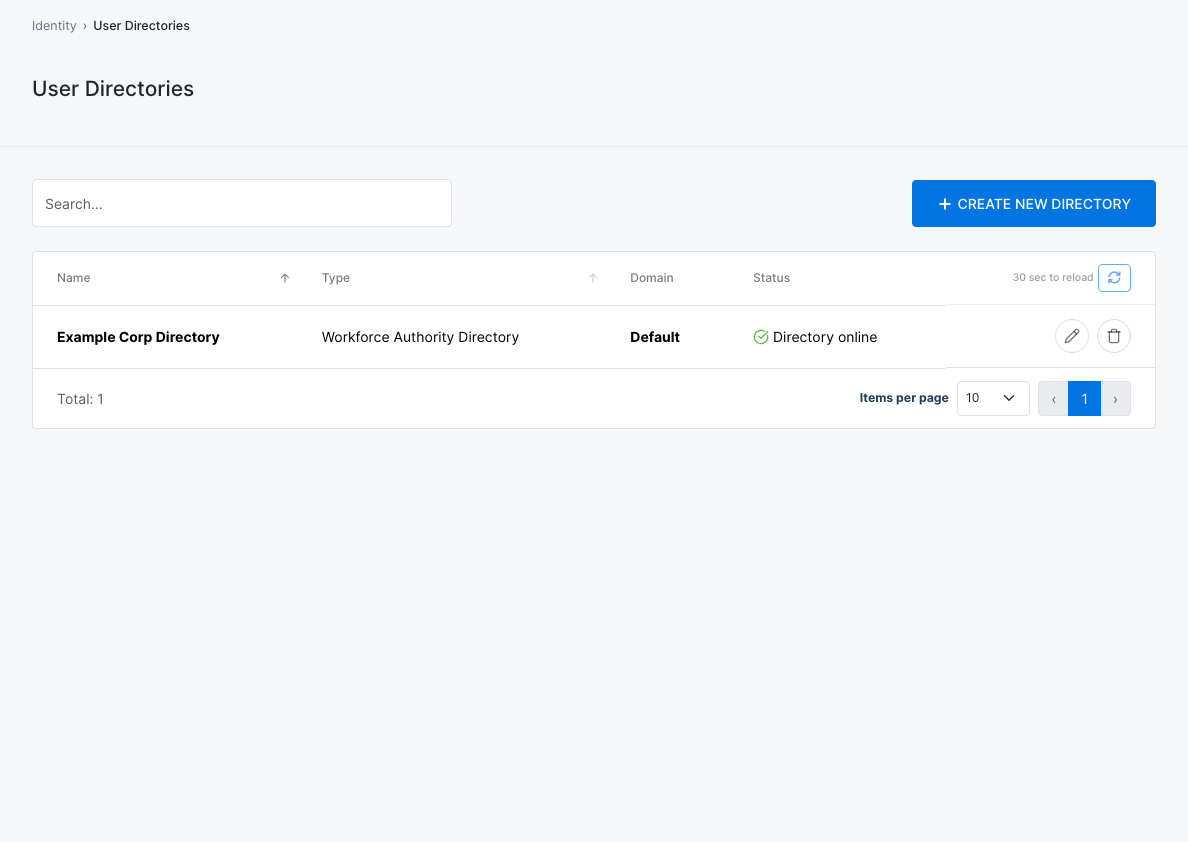
In Workforce Authority, click User Directories > Create New Directory.
-
Configure the basic AD settings.
Type Set to Microsoft Entra ID Name Enter a unique name to identify this Microsoft Entra ID connection. Domain Add one or more domains. Settings Enable the following based on your requirements: 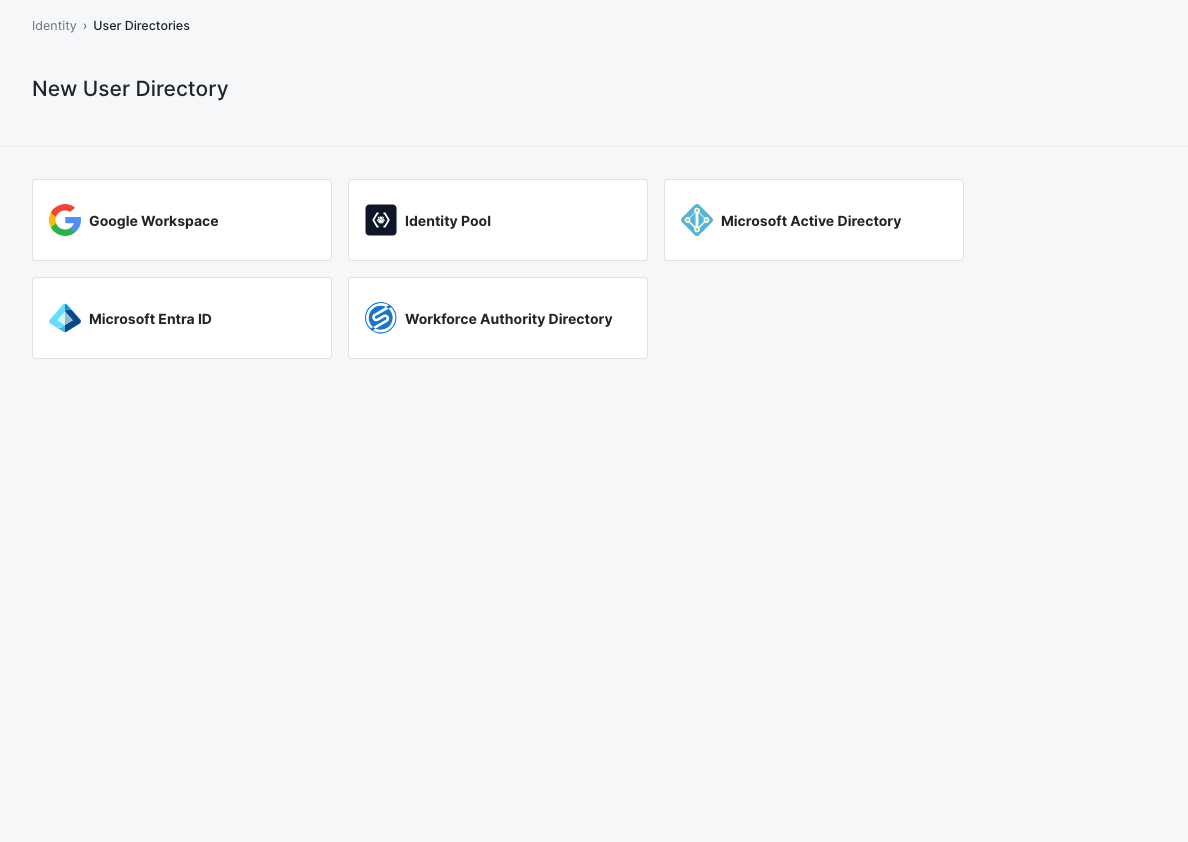
-
On the Settings tab, configure the following settings.
Directory Tenant ID Enter your Azure directory (tenant) ID. Client ID Enter the ID of the Entra ID application you registered. Client Secret Paste the client secret value for the registered app. Azure Tenant Domain Enter the verified domain. Example: company.onmicrosoft.comUser Identifer Attribute Enter the attribute used to uniquely identify users. Default: username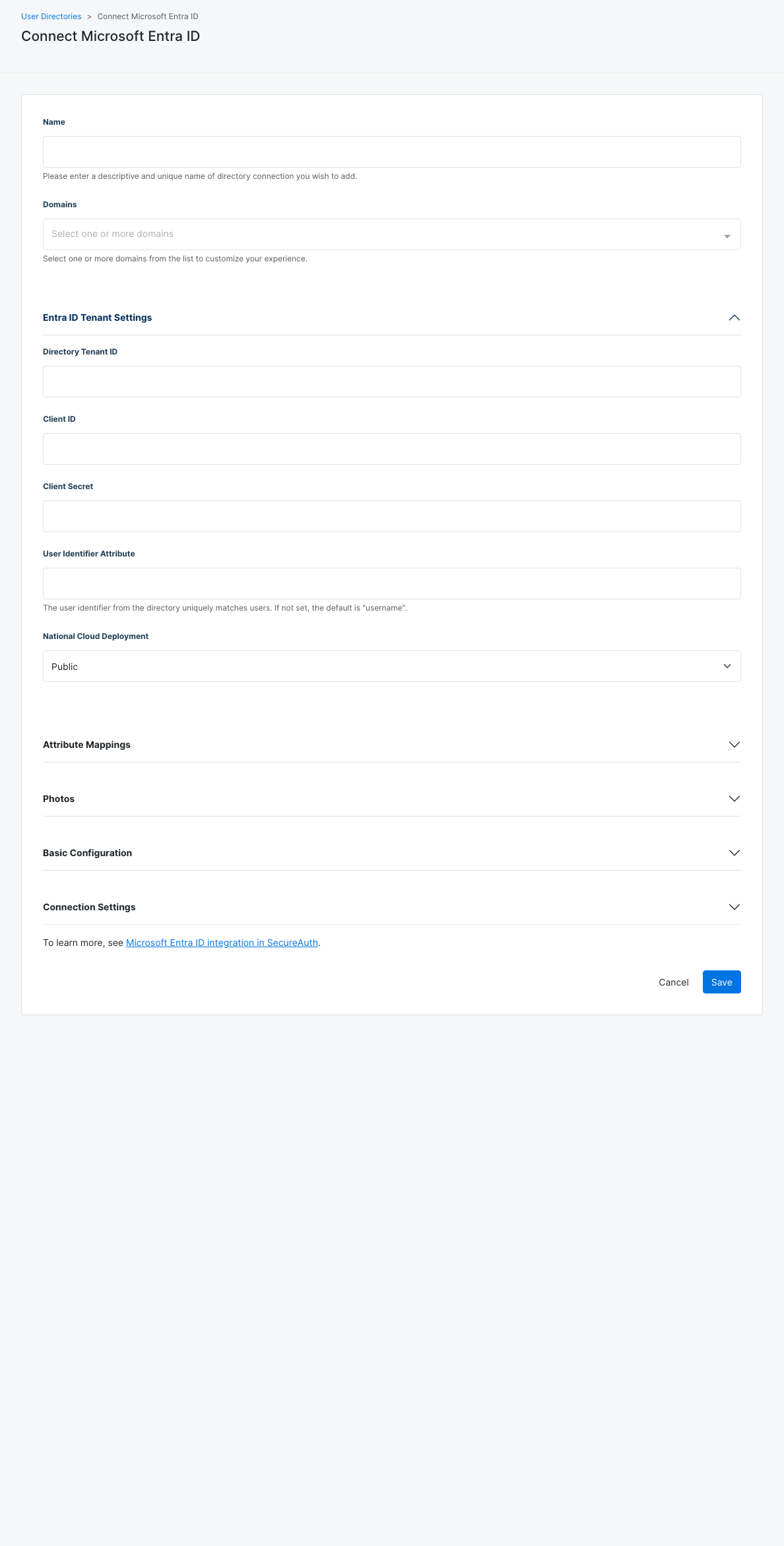
-
On the Advanced Settings tab, configure the following settings.
National Cloud Deployment Set to the regional instance of your Microsoft Entra ID directory. Options are: Timeout Set a timeout (in seconds) for requests to Microsoft Entra ID. Circuit breaker Enable to prevent repeated failed requests when Microsoft Entra ID is unavailable. -
On the Mappings tab, map the Microsoft Entra ID fields to local fields used in Workforce Authority.
You can customize or delete default mappings as needed. Use + Add Entry to include additional field mappings.
Microsoft Entra ID directory field Workforce Authority local field givenNameFirst Name surNameLast Name businessPhones[0]Phone 1 (Work) mobilePhonePhone 2 (Mobile) mailEmail 1 (Work) otherMails[0]Email 2 (Personal) Groups and Roles can't be mapping targets. Workforce Authority resolves them at sign-in.
-
Save your changes.